
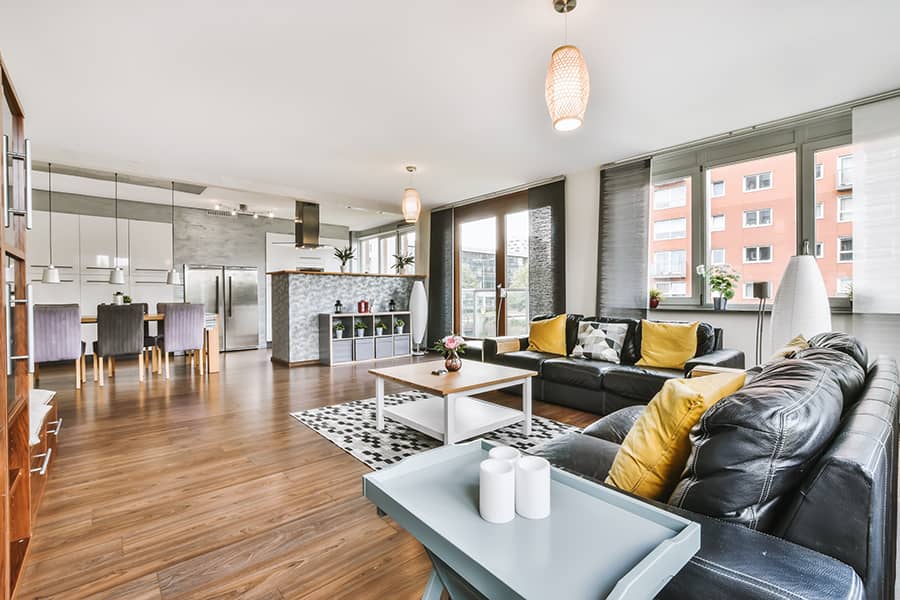

Short-term rental (STR) hosts are always looking for ways to stand out and provide memorable experiences for their guests. One effective strategy is to streamline and enhance the entertainment amenities in your property using smart technology. Learning how to automate entertainment for guests not only improves convenience but also boosts guest satisfaction, leading to better reviews and repeat bookings.
In this guide, we’ll explore practical steps and tools to simplify entertainment systems for your visitors. From smart TVs and streaming devices to voice assistants and automated lighting, you’ll discover how to create a seamless, user-friendly environment that makes your STR property feel modern and welcoming. For hosts interested in broader smart home strategies, you might also find value in resources like home automation and energy efficiency for STRs.
Why Automate Entertainment for Short-Term Rentals?
Guests expect more than just a place to sleep—they want comfort, convenience, and enjoyable amenities. Automated entertainment systems help you deliver on these expectations by offering:
- Easy access to streaming services and music
- Personalized experiences with voice control and smart remotes
- Reduced maintenance and fewer guest questions about device use
- Energy savings through automated power management
By integrating automation, you can also minimize wear and tear on devices and reduce the likelihood of technical issues during a guest’s stay.
Key Devices and Platforms for Automated Entertainment
The foundation of an automated entertainment setup is a combination of smart hardware and intuitive software. Here are some of the most popular options for STR hosts:
- Smart TVs: Modern TVs with built-in streaming apps (Netflix, Hulu, Disney+) allow guests to log in easily and enjoy their favorite content.
- Streaming Devices: Devices like Roku, Amazon Fire Stick, or Apple TV can be pre-configured for guest use, offering a familiar interface and access to multiple platforms.
- Voice Assistants: Smart speakers such as Amazon Echo or Google Nest Hub let guests control music, lights, and even ask for local recommendations using simple voice commands.
- Universal Remotes: Smart remotes can control multiple devices, reducing confusion and clutter.
- Automated Lighting: Smart bulbs and switches can create the perfect ambiance for movie nights or relaxation.
For a deeper dive into the fundamentals of smart home technology, the home automation overview on Wikipedia provides a thorough background.
Setting Up Automated Entertainment: Step-by-Step
Implementing automated entertainment in your STR doesn’t have to be complicated. Follow these steps to create a guest-friendly setup:
1. Choose the Right Smart TV or Streaming Device
Select a smart TV with an intuitive interface or add a streaming stick to your existing television. Make sure to:
- Pre-install popular streaming apps
- Enable guest mode or create a separate guest profile
- Provide clear instructions for logging in and out
2. Integrate Voice Control for Effortless Access
Voice assistants like Google Nest or Amazon Alexa can control entertainment devices, adjust lighting, and answer guest questions. Place the device in a central location and provide a quick-start guide.
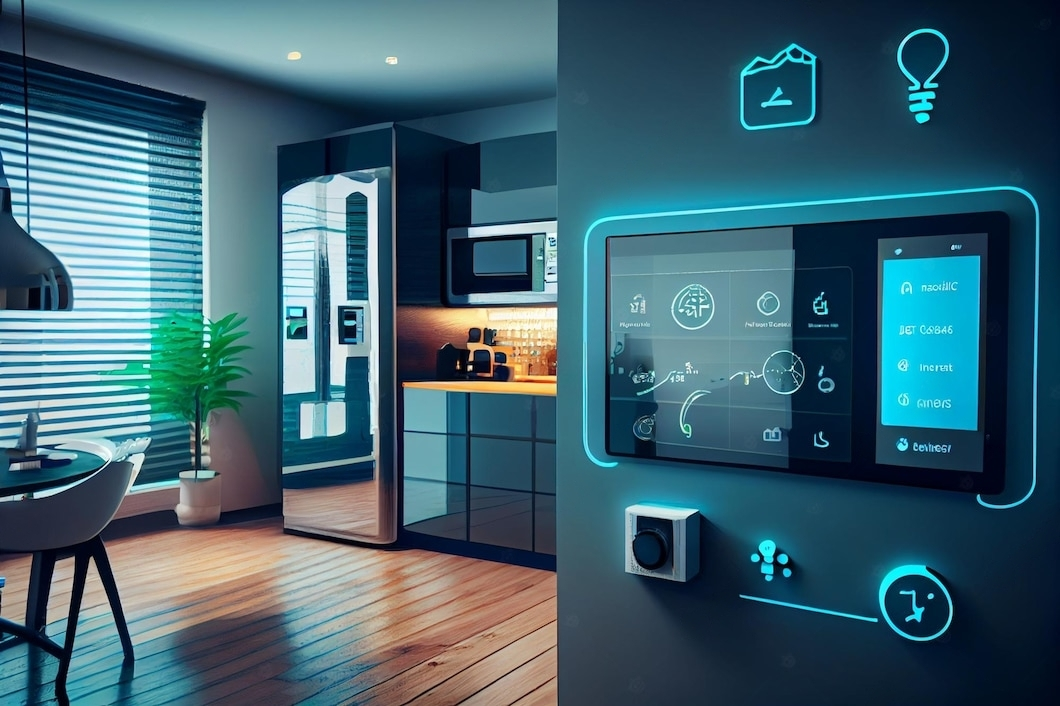
3. Automate Lighting and Ambiance
Smart lighting can enhance the entertainment experience, whether guests are watching a movie or relaxing with music. Set up scenes like “Movie Night” or “Relax” that can be activated with a single command. For more on this, see how to schedule lights for STR.
4. Simplify Device Management
Use a universal remote or a smart home hub to allow guests to control all entertainment devices from one interface. Label remotes and provide a laminated instruction sheet to minimize confusion.
5. Secure Guest Privacy and Data
Always reset devices between stays to protect guest privacy. Enable guest modes where possible, and remind guests to log out of their streaming accounts before checkout.
Best Practices for a Seamless Guest Experience
- Clear Instructions: Place easy-to-follow guides near each device. Include Wi-Fi details, streaming login steps, and troubleshooting tips.
- Pre-Configured Profiles: Set up guest profiles on TVs and streaming devices to keep personal information separate.
- Routine Maintenance: Regularly update device software and check connections to avoid technical issues.
- Responsive Support: Be available to answer questions or resolve issues quickly, either through messaging apps or a dedicated support line.
Integrating Entertainment Automation with Other Smart Features
Entertainment automation works best when combined with other smart home elements. Consider linking your entertainment system to automated thermostats, security cameras, or smart locks for a fully integrated experience. For example, connecting your TV and lighting to a smart thermostat can help create a comfortable environment as soon as guests arrive. Learn more about how to schedule thermostat for STR properties for optimal comfort.
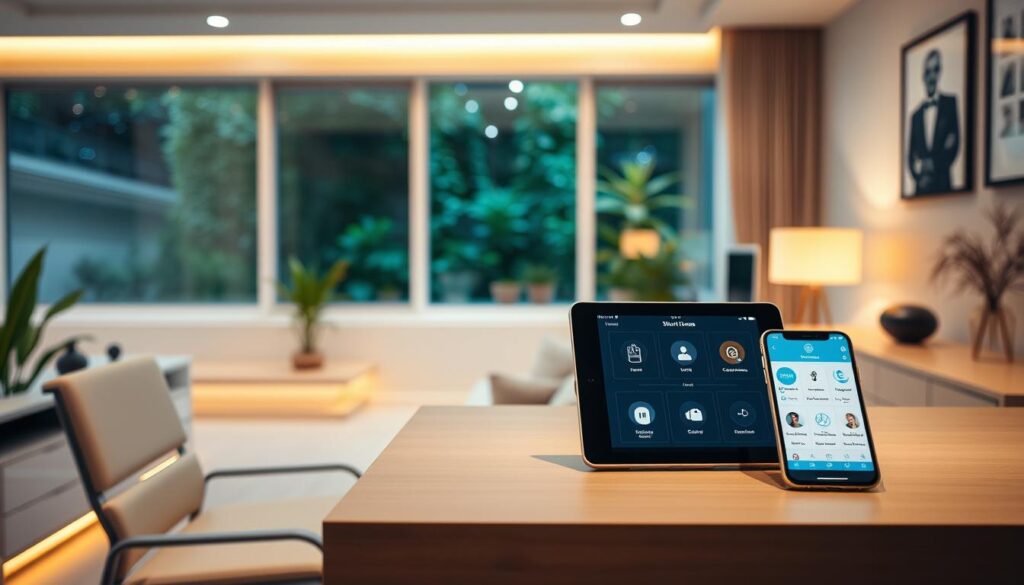
Security and remote monitoring are also important for hosts. If you want to keep an eye on your property while respecting guest privacy, see the guide on how to monitor STR remotely.
Common Challenges and How to Overcome Them
- Device Compatibility: Not all devices work seamlessly together. Choose products within the same ecosystem (e.g., Google, Amazon) to minimize issues.
- Guest Tech Savviness: Some guests may be unfamiliar with smart technology. Keep setups simple and instructions clear.
- Privacy Concerns: Always inform guests about any smart devices with microphones or cameras, and provide clear privacy policies.
- Maintenance: Regularly check and update devices to prevent outages or malfunctions.
FAQ
What are the easiest ways to automate entertainment for guests in a short-term rental?
The simplest approach is to install a smart TV with pre-loaded streaming apps and provide a voice assistant for hands-free control. Adding a universal remote and automated lighting can further enhance the experience.
How do I ensure guest privacy with smart entertainment devices?
Always enable guest modes, reset devices between stays, and provide instructions for logging out of accounts. Inform guests about any devices that have microphones or cameras and offer the option to disable them.
Can automated entertainment systems help reduce my workload as a host?
Yes. Automation minimizes guest questions, reduces manual device resets, and allows you to manage settings remotely. This leads to fewer maintenance calls and a smoother hosting experience.
Are there energy-saving benefits to automating entertainment options?
Absolutely. Smart devices can be scheduled to power down when not in use, and automated lighting can reduce unnecessary electricity consumption. For more details, check out resources on home automation and energy efficiency.
Conclusion
Implementing smart entertainment solutions in your short-term rental is a practical way to elevate the guest experience and streamline property management. By selecting the right devices, providing clear instructions, and integrating automation with other smart home features, you can create a welcoming, modern environment that delights visitors and sets your property apart. As technology continues to evolve, staying updated on the latest trends and best practices will help you maintain a competitive edge in the STR market.