

In today’s digital age, optimizing your rental property visibility is crucial. One of the most effective ways to achieve this is by leveraging Google My Business (GMB). This tool allows rental owners to enhance their online presence and attract potential tenants. But how to use Google My Business for rentals effectively? This article will guide you through the necessary steps to make the most out of GMB for your rental properties.
Understanding Google My Business
Before diving into the specifics, it’s essential to understand what Google My Business is. GMB is a free tool provided by Google that helps businesses manage their online presence across the search engine and its growing portfolio of services. For rental owners, this means increased visibility and improved communication with potential tenants.
Setting Up Your Google My Business Account
To start, you need to create a GMB account. Visit the official Google My Business page and sign up with your business information. Ensure that all details are accurate as they will appear in search results.
Verification Process
Once your account is set up, Google will require verification. This step is crucial because it confirms your business’s legitimacy. Typically, Google sends a postcard with a verification code to your business address.
Optimizing Your Profile
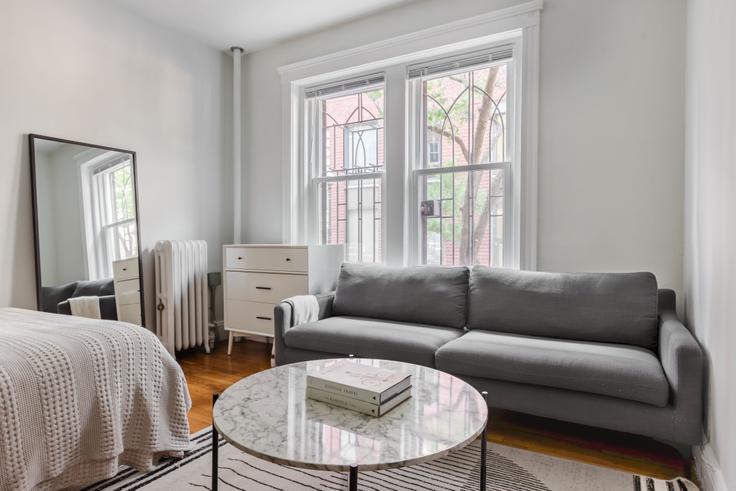
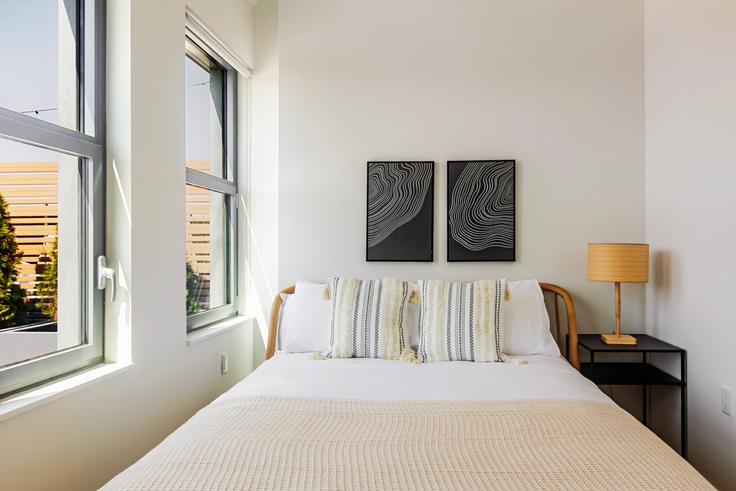
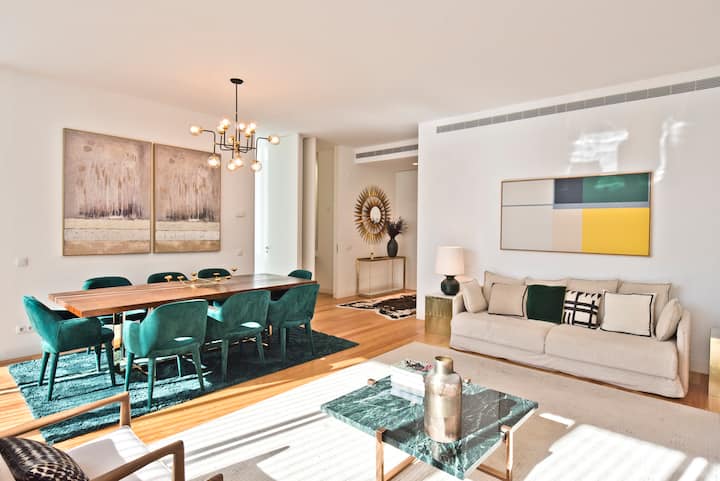
After verification, it’s time to optimize your GMB profile. Add high-quality photos of your rental properties, provide detailed descriptions, and include amenities and pricing information. This will help attract potential tenants who are browsing for rental options.
Benefits of Using Google My Business for Rentals
Using Google My Business for rentals offers numerous advantages. Firstly, it increases your property’s visibility on Google Search and Maps, making it easier for potential tenants to find you. Secondly, it allows you to engage with customers through reviews and direct messaging, enhancing customer service and satisfaction.
Engaging with Reviews
Reviews play a significant role in decision-making for renters. Encourage satisfied tenants to leave positive reviews on your GMB profile. Respond to these reviews promptly to show your commitment to customer satisfaction.
Utilizing GMB Insights
GMB provides insights into how customers are interacting with your profile. Use this data to understand what attracts potential tenants and adjust your strategy accordingly. Insights can include the number of views, clicks, and direction requests your profile receives.
Common Challenges and Solutions
While Google My Business is a powerful tool, rental owners may face challenges. One common issue is managing multiple properties. In this case, create separate listings for each property to provide precise information.
Keeping Information Updated
Ensure all information on your GMB profile is up-to-date. Regularly update photos, descriptions, and pricing to reflect any changes in your rentals.
Integrating GMB with Other Marketing Strategies
To maximize the benefits of GMB, integrate it with other marketing strategies. Share your GMB link on social media platforms and rental websites. This approach increases your reach and attracts a broader audience.
Case Study: Successful GMB Usage
Consider a rental owner who successfully utilized GMB to increase occupancy rates. By optimizing their profile and engaging with reviews, they saw a significant increase in inquiries and bookings.
Conclusion
In conclusion, Google My Business is an invaluable tool for rental owners looking to enhance their online presence and attract more tenants. By setting up and optimizing your GMB profile, engaging with reviews, and integrating with other marketing strategies, you can effectively utilize GMB for your rentals.
FAQs
Q: How do I update my rental information on Google My Business?
A: Log in to your GMB account, select the property you want to update, and edit the information as needed.
Q: Can I manage multiple properties on Google My Business?
A: Yes, you can create separate listings for each property to provide specific information.
Q: How can I encourage tenants to leave reviews?
A: After a successful rental experience, kindly ask tenants to share their feedback on your GMB profile.