
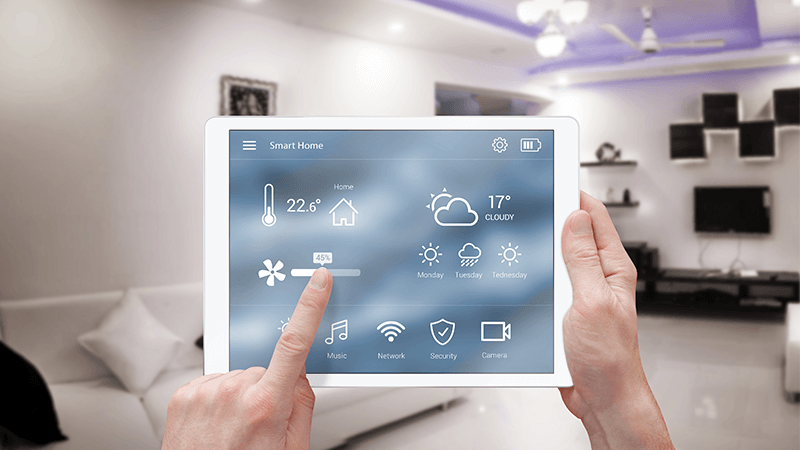

Keeping rental properties safe is a top priority for landlords, property managers, and short-term rental hosts. With the rise of smart home technology, it’s now easier than ever to set up automated notifications and real-time alerts that help protect both your property and your tenants. Understanding how to automate security alerts can save time, reduce risk, and offer peace of mind—whether you manage a single unit or a portfolio of rentals.
This article explores practical steps for setting up automated security notifications, the best devices to use, and how to integrate these systems for maximum effectiveness. If you’re also interested in compliance and property regulations, you may want to review our airbnb zoning strategy for investors guide for additional insights.
Why Automating Security Notifications Matters
Automated alerts can transform the way you monitor and manage your rental units. Instead of relying on manual checks or waiting for tenants to report issues, smart devices can instantly notify you of potential problems—such as unauthorized entry, smoke detection, or water leaks. This proactive approach helps prevent damage, reduces liability, and enhances tenant satisfaction.
- Immediate response: Receive instant notifications for break-ins, fire alarms, or unusual activity.
- Remote management: Monitor properties from anywhere using your smartphone or computer.
- Tenant trust: Automated systems show tenants you prioritize their safety.
- Insurance benefits: Some insurers offer discounts for properties with advanced security systems.
Key Devices for Smart Security Automation
To successfully implement automated security alerts, you’ll need to choose the right mix of smart devices. Here are some of the most effective options for rental properties:
- Smart doorbells: Devices like the Google Nest Doorbell provide video feeds and motion-triggered alerts when someone approaches the entrance.
- Smart locks: Allow remote locking/unlocking and send notifications when doors are accessed.
- Security cameras: Offer live video monitoring and can trigger alerts for movement or sound.
- Environmental sensors: Smoke, carbon monoxide, and water leak detectors can send immediate alerts to your phone or email.
- Smart thermostats: While primarily for climate control, these can also alert you to unusual temperature changes that may indicate a problem.
Setting Up Automated Security Alerts: Step-by-Step
Implementing a smart alert system doesn’t have to be complicated. Here’s a straightforward process to help you get started:
- Assess your property’s needs: Consider entry points, common areas, and any previous security incidents. Decide which devices are most appropriate for your space.
- Select compatible devices: Choose products that work well together and can be managed from a single app or platform. Many property owners prefer solutions that integrate with Google Home, Amazon Alexa, or Apple HomeKit.
- Install and configure devices: Follow manufacturer instructions for mounting and connecting devices to Wi-Fi. Set up user accounts and permissions for yourself and, if needed, your tenants.
- Customize alert settings: Adjust notification preferences for each device. For example, set cameras to alert you only during certain hours or when specific zones are triggered.
- Test your system: Simulate events (like opening a door or triggering a smoke detector) to ensure alerts are delivered promptly and reliably.
Integrating Smart Alerts With Property Management
For landlords and managers overseeing multiple units, integrating smart notifications with property management software can streamline operations. Some platforms allow you to receive and track alerts within your main dashboard, assign tasks to maintenance staff, or even automate guest communications.
If you operate in suburban or small-town markets, you may also want to review our resources on airbnb zoning for suburban areas and airbnb zoning for small towns for further best practices.
Best Practices for Managing Automated Security Notifications
To maximize the benefits of your automated system, keep these best practices in mind:
- Respect tenant privacy: Clearly communicate what devices are installed and how data is used. Avoid placing cameras in private areas.
- Regularly update firmware: Keeping devices updated ensures security and reliability.
- Document procedures: Have a clear process for responding to alerts, including who is notified and what actions are taken.
- Review alert logs: Periodically check notification histories to identify patterns or recurring issues.
- Comply with local laws: Make sure your use of surveillance and alert systems aligns with local regulations and rental agreements.
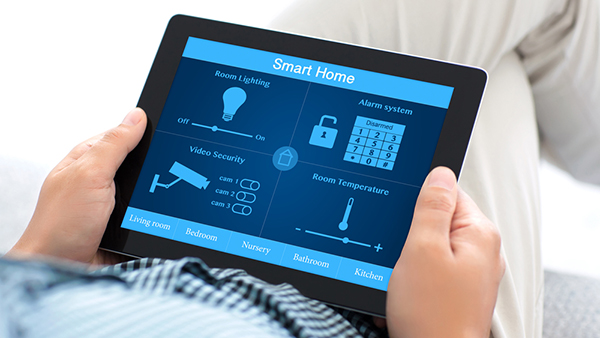
Comparing Popular Smart Security Solutions
There are many products on the market, each with unique features and integrations. Here’s a quick comparison of some leading options for automating property security:
| Device | Key Features | Best For |
|---|---|---|
| Google Nest Doorbell | HD video, motion alerts, two-way audio, app integration | Entry monitoring, package deliveries |
| Ring Alarm System | Comprehensive sensors, 24/7 monitoring, mobile alerts | Whole-property security |
| SimpliSafe | Easy installation, customizable alerts, optional monitoring | DIY setups, small to medium rentals |
| Google Nest Thermostat | Remote temperature control, alerts for unusual activity | Climate and safety monitoring |
For a deeper dive into smart home technology tailored for landlords, check out this comprehensive overview of smart technology for rental properties.
FAQ: Automating Security Alerts in Rental Homes
What types of alerts can I automate in a rental property?
You can automate notifications for a wide range of events, including door or window openings, motion detection, smoke or CO alarms, water leaks, and even temperature anomalies. Many systems also allow for custom alerts based on specific triggers.
Are automated security alerts difficult to set up?
Most modern smart devices are designed for easy installation and setup. Many products offer step-by-step guides and intuitive apps. If you’re managing multiple units, consider choosing devices that can be controlled from a single dashboard for convenience.
How do automated alerts benefit landlords and tenants?
Automated notifications help landlords respond quickly to emergencies, prevent costly damage, and demonstrate a commitment to tenant safety. Tenants benefit from enhanced security and the assurance that issues will be addressed promptly.
Can I integrate automated alerts with other property management tools?
Yes, many smart security systems offer integrations with property management platforms, allowing you to centralize alerts, maintenance requests, and guest communications. This can streamline your workflow and improve response times.
Conclusion
Embracing automated security notifications is a smart move for anyone managing rental properties. By leveraging the latest devices and best practices, you can protect your investment, support your tenants, and simplify your day-to-day operations. As technology continues to evolve, staying informed and proactive will ensure your properties remain secure and attractive to renters.