

Keeping cleaning routines on schedule is essential for property managers, hospitality businesses, and anyone overseeing short-term rentals or commercial spaces. Manual reminders can be unreliable and time-consuming, leading to missed tasks and inconsistent standards. By leveraging automation, you can streamline communication, ensure accountability, and maintain a consistently high level of cleanliness. This article provides a practical overview of setting up automated alerts for your cleaning teams, covering tools, best practices, and integration tips to help you save time and improve operational efficiency.
Whether you manage a single rental or multiple properties, automating cleaning notifications can transform your workflow. We’ll explore the main options available, how to choose the right system, and ways to integrate these solutions with your existing property management processes. For those interested in broader operational strategies, resources like the airbnb zoning strategy for investors guide can further enhance your approach to property management.
Why Automate Cleaning Alerts for Your Team?
Automating reminders for cleaning staff offers several clear advantages. First, it eliminates the risk of human error that comes with manual scheduling or text reminders. Second, it provides a reliable record of notifications sent and received, which is valuable for accountability and compliance. Third, automation allows for real-time updates and flexibility—if a booking changes or a last-minute cleaning is needed, notifications can be triggered instantly.
For property managers and hosts, this means less time spent coordinating and more time focusing on guest experience and business growth. Staff benefit from clear, timely instructions, reducing confusion and missed assignments.
Key Tools for Setting Up Automated Cleaning Notifications
There are several categories of tools that can help you implement automated alerts for your cleaning personnel. The right choice depends on your property size, budget, and existing systems. Here are some of the most effective options:
- Property Management Software (PMS): Many PMS platforms include built-in automation features for cleaning schedules. These systems can send SMS, email, or app notifications to assigned staff based on booking calendars.
- Task Management Apps: Tools like Asana, Trello, or Monday.com can be configured to trigger reminders and assign cleaning tasks automatically when certain conditions are met.
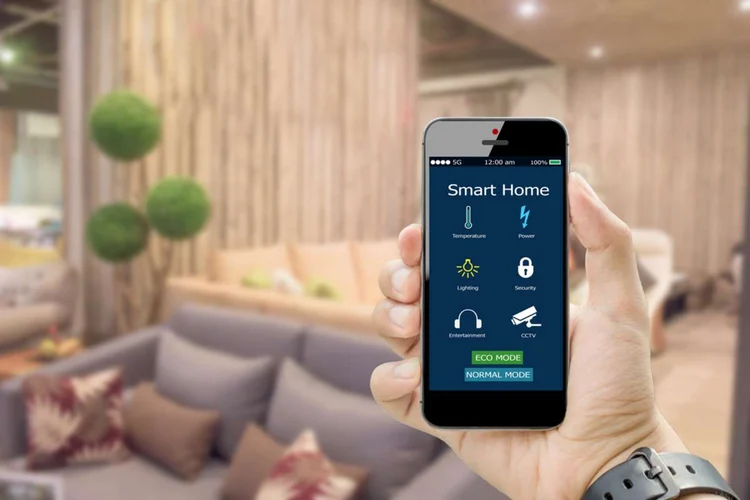
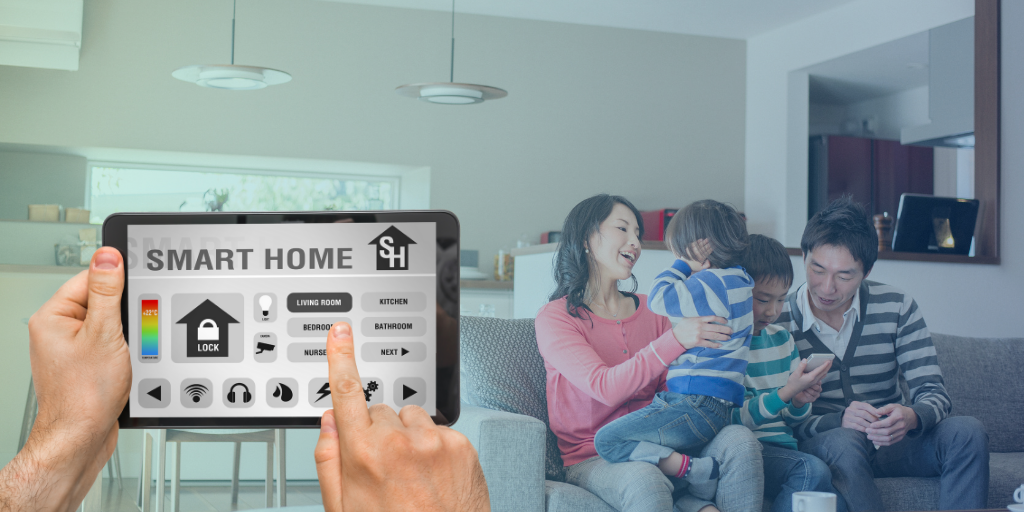
- Smart Home Devices: Integrating smart locks, thermostats, or occupancy sensors can trigger notifications when guests check out or when cleaning is required. Learn more about these technologies from resources like this overview of home automation.
- Custom Automation Platforms: Services such as Zapier or IFTTT allow you to connect booking systems, calendars, and messaging apps to create custom notification workflows.
Integrating Automation With Your Existing Workflow
To maximize the benefits of automated cleaning notifications, it’s important to integrate them seamlessly with your current processes. Start by mapping out your cleaning schedule, guest turnover times, and any special requirements for your properties. Then, choose a tool that can sync with your booking calendar or PMS.
For example, if you use a PMS that supports webhook or API integrations, you can connect it to a messaging platform like Slack or WhatsApp to deliver instant alerts to your cleaning crew. Alternatively, setting up automated emails or SMS notifications through a task management app ensures that every team member receives timely instructions, regardless of their preferred device.
Best Practices for Automated Staff Notifications
To ensure your automated system is effective and well-received by your team, consider these best practices:
- Clear Communication: Keep notifications concise and action-oriented. Include essential details such as property address, cleaning checklist, and any special instructions.
- Timing: Schedule notifications to arrive at logical times—immediately after guest checkout or a few hours before the next check-in.
- Confirmation: Use tools that allow staff to confirm task completion, providing you with a real-time status update.
- Feedback Loop: Encourage your team to report issues or request supplies directly through the notification platform.
- Regular Review: Periodically assess your automation setup to ensure it’s meeting your needs and adjust as your operations grow.
Common Challenges and How to Overcome Them
While automating notifications for cleaning teams brings many benefits, there are some challenges to be aware of:
- Staff Adoption: Some team members may be hesitant to use new technology. Provide training and support to ensure a smooth transition.
- System Compatibility: Not all platforms integrate seamlessly. Test your chosen solution thoroughly before rolling it out across all properties.
- Notification Overload: Too many alerts can lead to important messages being ignored. Fine-tune your settings to avoid unnecessary notifications.
- Data Privacy: Make sure your automation tools comply with relevant data protection regulations, especially when handling staff contact details.
Optimizing for Short-Term Rentals and Hospitality
For those managing short-term rentals, automating cleaning alerts is especially valuable. Guest turnover is frequent, and cleanliness is a top priority for positive reviews. By integrating your booking platform with automated notifications, you can ensure that every change in reservation status triggers the appropriate cleaning workflow.
If you operate in areas with specific regulations, staying informed about zoning and operational requirements is crucial. For more on compliance and best practices, see resources like short term rental zoning best practices.
FAQ
What are the main benefits of automating cleaning notifications?
Automation reduces manual coordination, ensures timely communication, and improves accountability. It helps maintain consistent cleaning standards and frees up time for managers to focus on other priorities.
Which platforms are best for automating cleaning reminders?
The best platform depends on your needs. Property management systems with built-in automation, task management apps, and smart home integrations are all effective. Consider your property size, team preferences, and existing tech stack when choosing a solution.
How can I ensure my cleaning staff receives and acts on automated notifications?
Use platforms that allow for read receipts or task confirmations. Provide clear instructions in each notification, and offer training to ensure everyone is comfortable with the system. Regularly review feedback and adjust your processes as needed.