
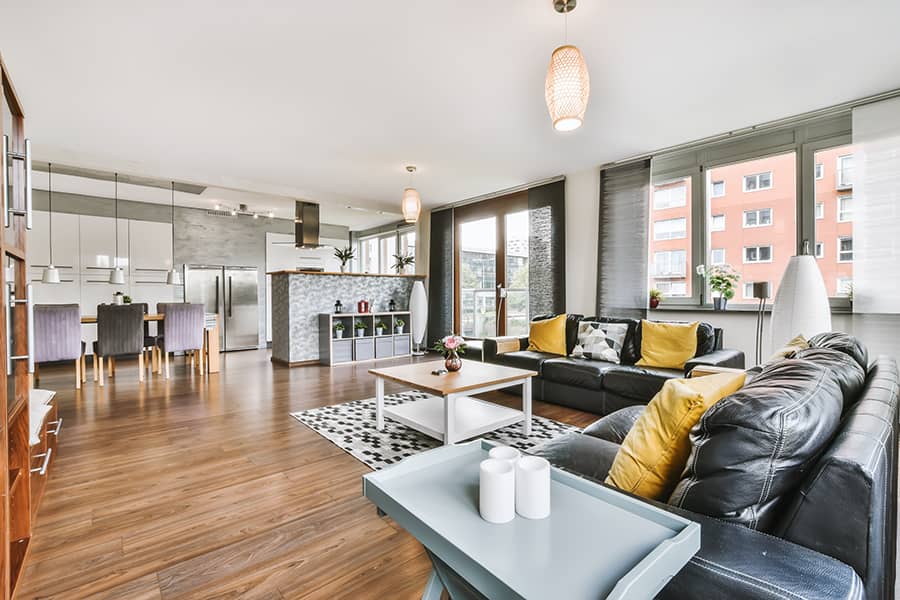

Short-term rental (STR) properties are increasingly adopting smart technology to boost security, convenience, and energy efficiency. A key part of this transformation is the seamless integration of sensors with automation systems. Whether you manage a single Airbnb or a portfolio of rental units, understanding how to integrate sensors with automation can help you streamline operations, protect your assets, and deliver a better guest experience.
This guide covers the essentials of connecting sensors—like motion detectors, door/window contacts, and environmental monitors—to your property’s automation platform. You’ll learn about the benefits, planning steps, compatible devices, and practical tips for successful implementation. For those managing multiple units, exploring scalable rental sensor systems can further optimize your setup as your business grows.
Why Connect Sensors to Your Rental’s Automation Platform?
Integrating sensors with your property’s automation system offers a range of benefits, especially for short-term rental hosts and property managers. Here are some of the most impactful advantages:
- Enhanced Security: Motion sensors, door/window contacts, and smart locks can alert you to unauthorized access or unusual activity, helping you respond quickly to potential threats.
- Energy Efficiency: Environmental sensors (such as temperature and humidity monitors) can trigger thermostats or HVAC systems to optimize energy use, reducing costs and environmental impact.
- Guest Convenience: Automated lighting, climate control, and entry systems create a seamless experience for guests, improving reviews and occupancy rates.
- Remote Monitoring: Real-time alerts and data allow you to manage your property from anywhere, minimizing the need for on-site visits.
For property managers overseeing multiple units, leveraging property manager smart sensors can further streamline operations and improve oversight across your portfolio.
Key Steps for Integrating Sensors With Automation
Successfully connecting sensors to your STR’s automation system involves careful planning and execution. Here’s a step-by-step overview to help you get started:
-
Assess Your Needs:
Identify the main goals for automation—security, energy savings, guest comfort, or all of the above. Make a list of areas to monitor (entrances, windows, common spaces, HVAC systems, etc.).
-
Choose Compatible Sensors and Hubs:
Ensure the sensors you select are compatible with your chosen automation platform (such as Google Home, SmartThings, or Apple HomeKit). Look for devices that support common protocols like Zigbee, Z-Wave, or Wi-Fi for easier integration.
-
Plan Sensor Placement:
Strategically position sensors for optimal coverage. For example, place motion detectors in entryways and hallways, and install door/window sensors on all accessible points. Environmental sensors should be located away from direct sunlight or vents for accurate readings.
-
Install and Pair Devices:
Follow manufacturer instructions to physically install sensors and connect them to your automation hub. Most modern systems offer user-friendly apps to guide you through the pairing process.
-
Set Up Automation Rules:
Create automation routines based on sensor triggers. For example, set lights to turn on when motion is detected at night, or configure the thermostat to adjust when guests check in or out.
-
Test and Refine:
After setup, test each sensor and automation rule to ensure reliable operation. Adjust placement or settings as needed for optimal performance.
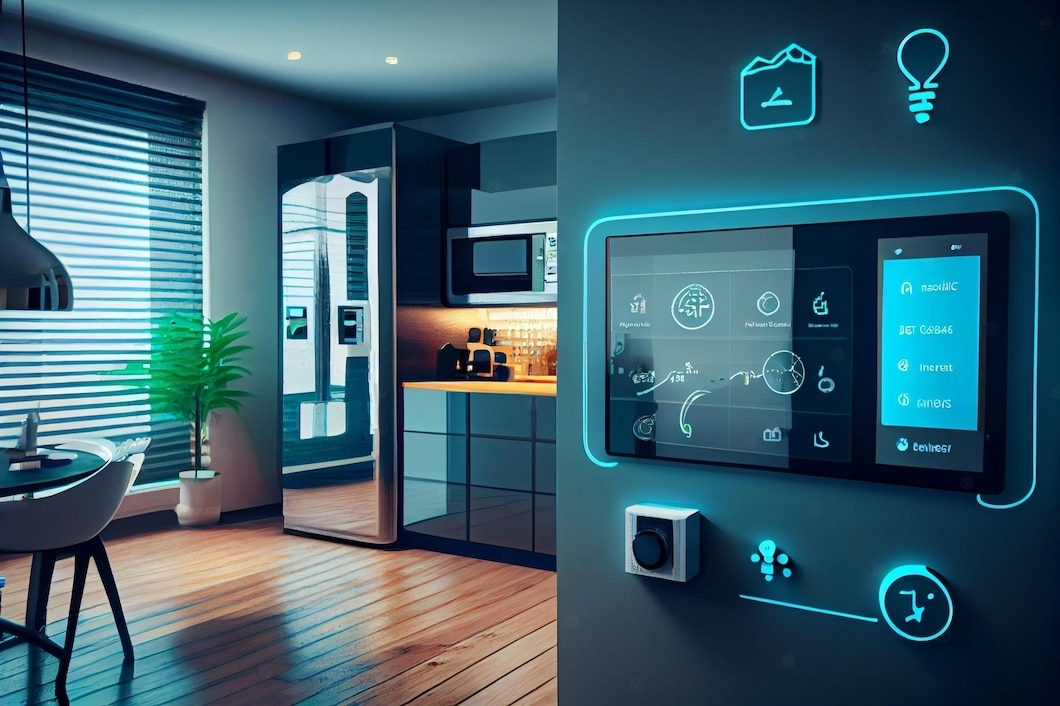
Popular Sensor Types for Rental Automation
There are several categories of sensors commonly used in short-term rental automation. Selecting the right mix depends on your property’s unique needs and layout.
- Motion Sensors: Detect movement in hallways, entryways, or common areas. Useful for automating lights and security alerts.
- Door/Window Sensors: Monitor the status of doors and windows, sending notifications if they are opened unexpectedly or left ajar.
- Environmental Sensors: Track temperature, humidity, smoke, carbon monoxide, and even water leaks. These help maintain a safe and comfortable environment for guests.
- Smart Locks and Access Sensors: Control and monitor entry points remotely, manage guest access codes, and receive alerts for unauthorized access. For more on secure entry management, see rental property access sensors.
- Video Doorbells: Combine motion detection with live video feeds, allowing you to verify visitors and deliveries remotely.
Best Practices for Sensor Integration in STRs
To maximize the benefits of automation, follow these best practices when connecting sensors to your rental property’s system:
- Prioritize Guest Privacy: Avoid placing cameras or audio sensors inside living spaces. Clearly communicate the presence and purpose of any monitoring devices in your listing.
- Automate Responsibly: Use automation to enhance comfort and security, but avoid overly intrusive or complex routines that may confuse guests.
- Maintain Devices Regularly: Check batteries, firmware updates, and sensor calibration to ensure reliable operation.
- Centralize Notifications: Use a smart alert system for hosts to receive instant property notifications, making it easier to respond to issues promptly.
- Document Your Setup: Keep a record of sensor locations, device types, and automation rules for troubleshooting and future upgrades.
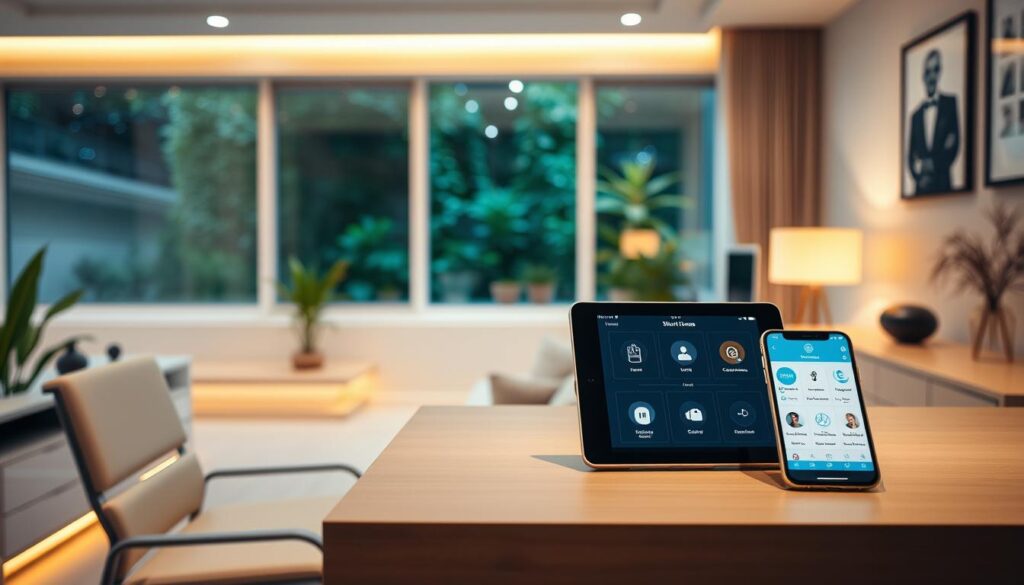
Automation Platforms and Sensor Compatibility
When planning how to integrate sensors with automation in your STR, it’s important to choose a platform that supports your preferred devices. Here are some leading options:
- Google Home: Works with a wide range of sensors and devices, including thermostats, doorbells, and security cameras. Easy to manage via the Google Home app.
- Samsung SmartThings: Known for its broad compatibility with Zigbee and Z-Wave sensors, making it a flexible choice for diverse setups.
- Apple HomeKit: Ideal for users invested in the Apple ecosystem, with strong privacy controls and seamless integration with iOS devices.
- Amazon Alexa: Supports a variety of smart sensors and offers robust voice control features.
Before purchasing sensors, verify that they are listed as compatible with your chosen hub or platform. Many manufacturers provide compatibility charts or certified device lists to help you make informed choices.
Advanced Tips for Managing Multiple Rentals
If you oversee several short-term rentals, scaling your automation system can save time and reduce operational headaches. Consider these strategies:
- Centralized Management: Use platforms that allow you to monitor and control multiple properties from a single dashboard.
- Automated Access Control: Implement Airbnb smart access control to manage permissions remotely and simplify guest check-ins.
- Bulk Device Provisioning: Choose sensors that support batch setup or provisioning to speed up installation across several units.
- Consistent Automation Rules: Standardize routines and alerts for all properties to ensure uniform guest experiences and easier troubleshooting.
For a deeper dive into scaling your system, consult resources on scalable rental sensor systems tailored for growing property managers.
Common Challenges and Troubleshooting
Even with careful planning, you may encounter challenges when connecting sensors to your automation platform. Here are some frequent issues and solutions:
- Connectivity Problems: Ensure your Wi-Fi or mesh network covers all sensor locations. For Zigbee or Z-Wave devices, consider adding repeaters to extend range.
- Device Incompatibility: Double-check that sensors are supported by your automation hub. Firmware updates may resolve some compatibility issues.
- False Alerts: Adjust sensor sensitivity or reposition devices to minimize false triggers from pets, HVAC drafts, or outdoor movement.
- Power Issues: Use high-quality batteries and set reminders to replace them regularly. For critical sensors, consider hardwired options if possible.
For more tips on automating your rental property, check out this comprehensive guide to automating rental properties.
FAQ
What types of sensors are best for short-term rental automation?
The most effective sensors for STRs include motion detectors, door/window contacts, environmental monitors (for temperature, humidity, smoke, and leaks), and smart locks. The ideal mix depends on your property’s layout and your automation goals.
Can I integrate sensors with different automation platforms?
Many sensors support multiple protocols (like Zigbee, Z-Wave, or Wi-Fi) and can work with various hubs such as Google Home, SmartThings, or Apple HomeKit. Always confirm compatibility before purchasing to ensure seamless integration.
How do I maintain privacy while using sensors in my rental?
Avoid installing cameras or audio sensors in private spaces like bedrooms or bathrooms. Clearly disclose all monitoring devices in your listing, and use sensors primarily for security and safety in common or entry areas.
Is it possible to automate access control for guests?
Yes, smart locks and access sensors allow you to manage entry codes remotely, track access events, and provide guests with secure, keyless entry. This improves convenience and security for both hosts and guests.
What should I do if a sensor stops working?
First, check the power source (battery or wiring), then verify network connectivity. If issues persist, consult the manufacturer’s troubleshooting guide or consider resetting and re-pairing the device with your automation hub.