
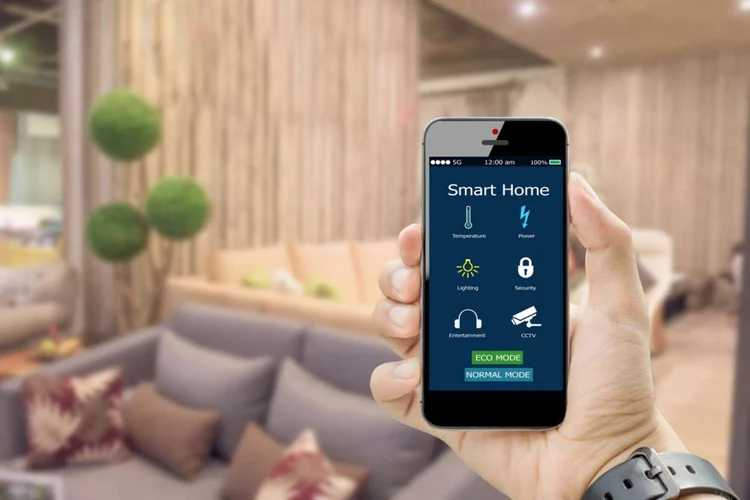

Ensuring guest safety is a top priority for hosts and property managers in the short-term rental industry. One of the most critical risks to address is carbon monoxide (CO) exposure, which can be both silent and deadly. With the rise of smart home technology, it’s now possible to automate CO monitoring, providing real-time alerts and peace of mind for both hosts and guests. This guide explores the practical steps and best practices for implementing automated CO detection in vacation rentals, helping you stay compliant, protect your property, and build trust with your guests.
For hosts looking to further enhance property safety and efficiency, integrating CO detection with other smart systems can be a game-changer. For example, you might also want to learn how to schedule thermostat for STR to optimize comfort and energy use while maintaining a safe environment.
Why Automated CO Monitoring Matters in Vacation Rentals
Carbon monoxide is a colorless, odorless gas produced by burning fuel in appliances like furnaces, water heaters, and stoves. In enclosed spaces, CO can quickly reach dangerous levels, posing a serious threat to anyone inside. Traditional battery-powered detectors are a good start, but they require regular manual checks and may not alert you if guests tamper with them or if batteries run out.
Automated CO detection systems address these gaps by providing continuous monitoring, remote alerts, and integration with other smart home devices. This means you can respond quickly to emergencies, reduce liability, and comply with local regulations that increasingly mandate CO alarms in rental properties.
Key Components of an Automated CO Detection System
Setting up an automated system involves more than just installing a smart detector. Here are the essential elements to consider:
- Smart CO Detectors: These devices connect to Wi-Fi or a smart home hub, sending alerts to your phone or email if CO is detected.
- Centralized Monitoring: Use a property management platform or smart home app to monitor multiple detectors across different rooms or properties.
- Integration with Other Devices: Link CO detectors with smart thermostats, locks, or lights for coordinated safety responses, such as shutting off HVAC systems or unlocking doors during an emergency.
- Automated Notifications: Set up push notifications, SMS, or email alerts for yourself, your team, and even guests if CO is detected.
Choosing the Right Smart CO Detector
When selecting a smart CO alarm, look for devices that offer:
- Remote Monitoring: The ability to check device status and receive alerts from anywhere.
- Battery Backup: Ensures continued operation during power outages.
- Integration Capabilities: Compatibility with popular smart home platforms like Google Home, Amazon Alexa, or Apple HomeKit.
- Compliance: Certification by recognized safety standards such as UL or CSA.
Some models even combine smoke and CO detection in a single unit, simplifying installation and maintenance.
Installation and Placement Tips for CO Sensors
Proper placement is crucial for effective CO monitoring. Install detectors:
- On every level of the rental, including basements and attics.
- Outside each sleeping area and in or near bedrooms.
- Near fuel-burning appliances, but not directly above them to avoid false alarms.
- At least 15 feet away from heating or cooking appliances and humid areas like bathrooms.
Follow manufacturer instructions for mounting height and avoid placing detectors behind furniture or curtains, which can block airflow.
Integrating CO Detection with Other Smart Home Features
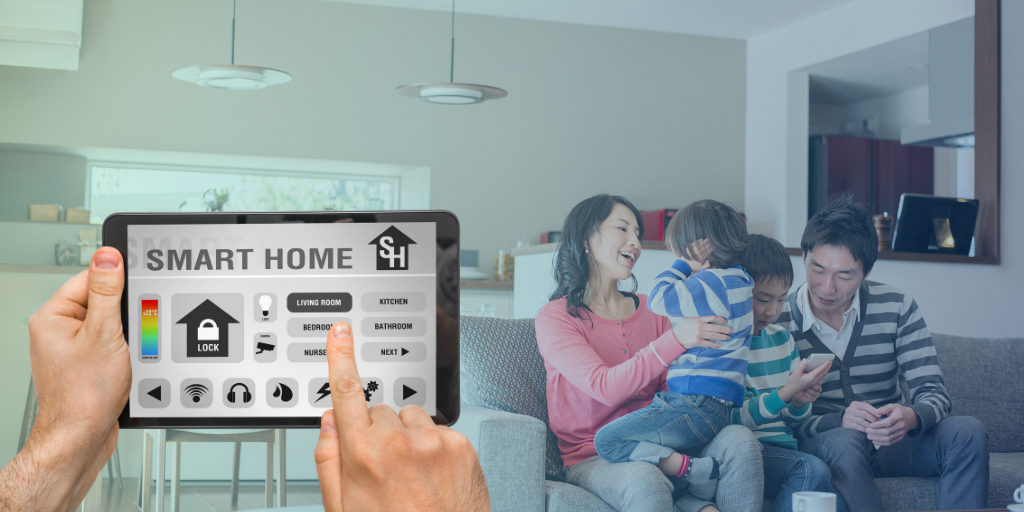
For maximum safety and convenience, consider integrating your CO alarms with other smart devices. For example, if a detector senses elevated CO levels, it can trigger your smart thermostat to shut off the HVAC system, helping to prevent further spread of the gas. You can also set up smart lights to flash or change color to alert guests, or unlock smart locks for quick evacuation.
For a deeper dive into optimizing your property’s automation, see our guide on home automation and energy efficiency for short-term rentals.
Remote Monitoring and Real-Time Alerts
One of the biggest advantages of automating CO detection is the ability to monitor your rental remotely. Most smart detectors connect to an app, allowing you to:
- Receive instant alerts if CO is detected, even when you’re offsite.
- Check battery life and device status from your phone.
- Get maintenance reminders, such as when to replace sensors or batteries.
- Share alerts with co-hosts, property managers, or emergency contacts.
This level of oversight helps you respond quickly and maintain a safe environment for every guest.
Best Practices for Maintaining Automated CO Systems
Even the most advanced smart detectors require regular maintenance. To ensure your system is always ready:
- Test each detector monthly using the test button.
- Replace batteries as recommended, even in hardwired units with backup batteries.
- Clean detectors gently with a vacuum or soft brush to remove dust.
- Replace the entire unit according to manufacturer guidelines, typically every 5–7 years.
- Keep records of maintenance and testing for insurance and regulatory compliance.
Regular checks not only keep your guests safe but also help you avoid fines and negative reviews.
Enhancing Guest Communication and Trust
Informing guests about your automated CO detection measures can increase their confidence in your property. Include details in your welcome guide or listing description, and provide instructions on what to do if the alarm sounds. Clear communication shows you take safety seriously and can set your rental apart from others.
For more tips on managing your property remotely, see our article on how to monitor STR remotely.
Additional Resources and Further Reading
If you want to explore more about smart home automation and its benefits for rental properties, check out this comprehensive guide to home automation. It covers a range of technologies that can make your property safer, more efficient, and more appealing to guests.
FAQ
What are the legal requirements for CO detectors in short-term rentals?
Regulations vary by location, but most jurisdictions require at least one CO detector on every floor and outside sleeping areas. Some areas mandate interconnected alarms or specific types of detectors. Always check local laws and ensure your property is compliant.
Can I integrate CO detection with other smart home features?
Yes, many smart CO detectors can be linked with thermostats, lights, and security systems. This allows for automated responses, such as shutting off HVAC systems or alerting guests, enhancing both safety and convenience.
How do I know if my automated CO system is working properly?
Most smart detectors provide status updates via their app, including battery life and sensor health. Regularly test each unit and set up maintenance reminders. Automated alerts will notify you immediately if there’s a problem or if CO is detected.
Are smart CO detectors difficult to install?
Most models are designed for easy DIY installation and come with clear instructions. They typically require Wi-Fi and a compatible smartphone app. For hardwired units or complex integrations, consider hiring a professional.
What should I do if a CO alarm goes off while guests are staying?
Advise guests to leave the property immediately and contact emergency services. Use your smart system to verify the alert and communicate with guests in real time. After the incident, investigate the source and resolve any issues before allowing new guests to check in.