

In the world of short-term rentals, ensuring guest comfort is paramount. One effective way to enhance the guest experience is by automating temperature alerts. This not only provides convenience but also helps in maintaining optimal conditions within the property. By leveraging smart home technology, property owners can easily manage and monitor temperature settings, ensuring a pleasant stay for their guests.
Before diving into the specifics of setting up these alerts, it’s crucial to understand the basics of home automation. For a comprehensive overview of how home automation works and its benefits, you can explore this detailed guide on home automation.
For property owners, understanding zoning strategies is also important. If you’re interested in learning more about zoning strategies for short-term rentals, consider reading about Airbnb zoning strategy for investors.
Setting Up Smart Thermostats
Smart thermostats are the cornerstone of automating temperature alerts. These devices allow you to control the temperature remotely and set specific parameters for alerts. Brands like Google Nest offer programmable thermostats that can be integrated into your property’s existing systems.
To begin, install a smart thermostat in your rental property. Ensure it is compatible with your HVAC system and can connect to your Wi-Fi network. Once installed, you can configure it to send alerts when the temperature exceeds or drops below a certain threshold.
Integrating with Smart Home Systems
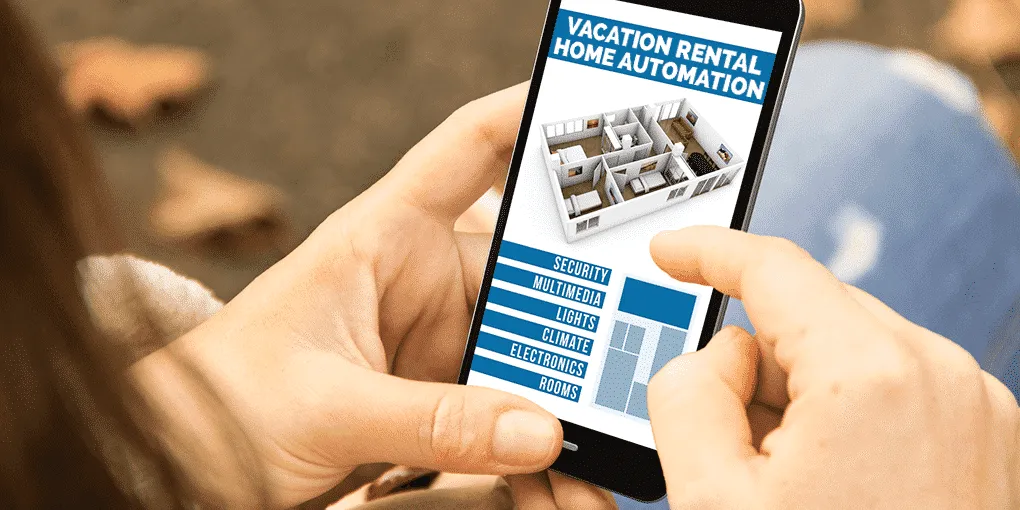
Integrating your thermostat with a smart home system can further enhance its capabilities. Systems like Google Home or Amazon Alexa allow you to control the thermostat using voice commands or through a mobile app. This integration makes it easier to manage temperature settings and receive alerts in real-time.
To integrate, connect your smart thermostat to the smart home system of your choice. Follow the setup instructions provided by the system to ensure seamless connectivity. Once connected, you can set up routines and alerts that suit your rental property’s needs.
Benefits of Automated Temperature Alerts
Automating temperature alerts offers numerous benefits for both property owners and guests. Firstly, it ensures that the property remains comfortable at all times, enhancing the guest experience. Secondly, it can help in reducing energy costs by optimizing heating and cooling schedules based on occupancy.
Additionally, automated alerts can prevent potential damage to the property. For example, if the temperature drops too low, pipes could freeze, leading to costly repairs. By receiving alerts, property owners can take timely action to prevent such issues.
FAQs
What is the best smart thermostat for short-term rentals?
The Google Nest Thermostat is highly recommended for short-term rentals due to its ease of use and integration capabilities with various smart home systems.
How do I set temperature alerts on a smart thermostat?
Most smart thermostats allow you to set temperature alerts through their companion app. Simply navigate to the alert settings and configure the desired temperature thresholds.
Can I integrate multiple smart devices in my rental property?
Yes, you can integrate multiple smart devices, such as thermostats, doorbells, and lights, into a single smart home system for comprehensive control and automation.