
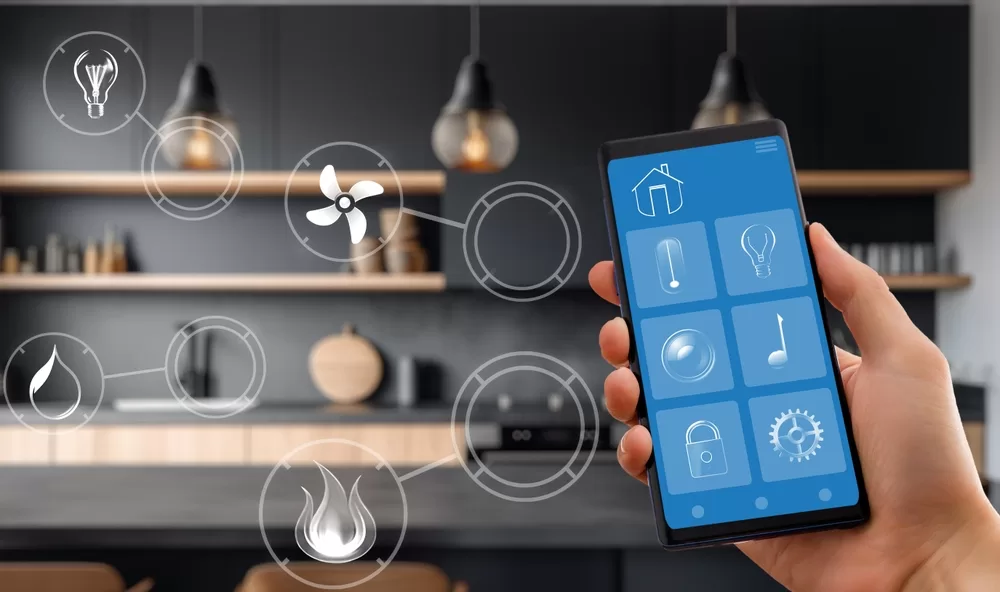

The rise of smart home technology has transformed how we interact with our living spaces. From lighting and thermostats to security cameras and voice assistants, the modern home is filled with connected gadgets. But managing each device individually can quickly become overwhelming. That’s where the ability to automate multiple devices simultaneously comes in, allowing you to streamline routines, boost convenience, and even save energy.
Whether you’re a homeowner, a renter, or managing a short-term rental, learning to coordinate your smart devices is essential for maximizing their potential. Before diving into the practical steps, it’s helpful to understand the benefits and the core concepts behind smart home automation. If you’re interested in optimizing your property for guests, you might also want to explore airbnb zoning strategy for investors to ensure your setup aligns with local regulations.
Why Automate Several Smart Devices Together?
Coordinating your smart gadgets offers more than just convenience. Here are some key advantages:
- Efficiency: Triggering multiple actions with a single command saves time and effort.
- Energy Savings: Automations can help reduce unnecessary power usage by turning off devices when not needed.
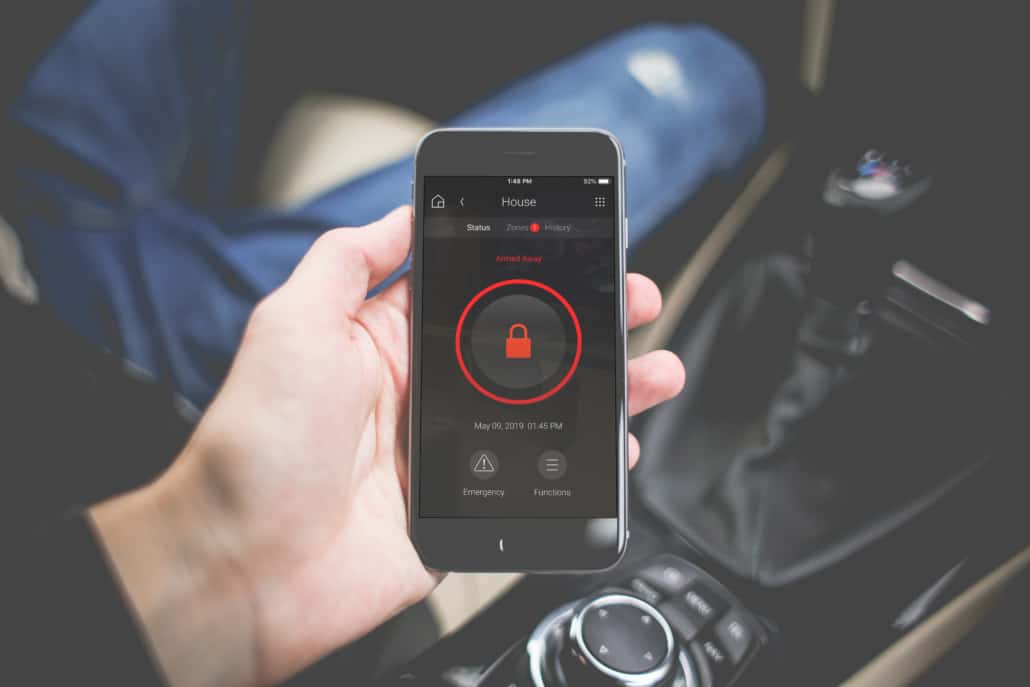
- Enhanced Security: Simultaneous control of lights, locks, and cameras can create the appearance of occupancy or respond instantly to alerts.
- Personalized Comfort: Set the mood for movie night, mornings, or arrivals with coordinated lighting, temperature, and entertainment settings.
As smart homes become more common, the ability to manage multiple devices at once is increasingly expected by both residents and guests.
Understanding Smart Home Ecosystems and Hubs
To effectively automate multiple devices simultaneously, it’s important to understand the ecosystem your devices operate in. Most smart gadgets connect through a central hub or platform, such as Google Home, Amazon Alexa, Apple HomeKit, or Samsung SmartThings. These platforms act as the brain of your smart home, allowing you to create routines, scenes, or automations that control several devices with a single trigger.
Some devices are compatible with multiple ecosystems, while others may require specific hubs or bridges. Before purchasing new gadgets, check for compatibility with your chosen platform to ensure seamless integration.
Setting Up Automations for Multiple Devices
The process of managing several smart devices at once typically involves creating routines or scenes within your preferred platform. Here’s a step-by-step overview:
- Choose Your Platform: Decide whether you’ll use Google Home, Alexa, HomeKit, or another system. Each offers its own app and automation features.
- Add Devices: Connect all your smart gadgets to the platform. This usually involves scanning a QR code or following in-app instructions.
- Create a Routine or Scene: In your app, look for options like “Routine,” “Automation,” or “Scene.” These let you specify a series of actions triggered by a command, schedule, or event.
- Select Devices and Actions: Choose which devices you want to control and what you want them to do (e.g., turn on lights, adjust thermostat, lock doors).
- Set Triggers: Decide how the automation will start—by voice command, schedule, sensor, or another device’s activity.
- Test and Refine: Run your routine to ensure everything works as expected. Adjust timing or actions as needed.
For example, you might set up a “Goodnight” routine that turns off all lights, locks the doors, and lowers the thermostat with a single command.

Popular Methods for Coordinating Smart Devices
There are several ways to manage multiple gadgets at once, depending on your needs and the devices you own:
- Voice Assistants: Use voice commands with Google Assistant, Alexa, or Siri to activate routines or scenes involving several devices.
- App-Based Control: Most platforms allow you to trigger automations directly from your smartphone or tablet.
- Physical Buttons or Sensors: Some systems support smart buttons or motion sensors that can trigger routines when pressed or activated.
- Geofencing: Automate actions based on your location—for example, have lights and climate control adjust automatically when you arrive home.
For renters or those with limited ability to modify their space, there are many smart home solutions for renters that support automation without permanent installation.
Best Practices for Managing Multiple Smart Devices
To get the most from your automations, consider these tips:
- Group Devices Logically: Organize your gadgets by room or function (e.g., all living room lights or all entryway devices).
- Use Descriptive Names: Label devices clearly in your app to avoid confusion when creating routines.
- Start Simple: Begin with basic automations and add complexity as you become more comfortable.
- Maintain Security: Keep device firmware updated and use strong passwords for your accounts and Wi-Fi network.
- Document Your Setups: Especially useful for short-term rentals, so guests can easily understand how to use the system.
Common Challenges and Troubleshooting Tips
Even with the best setup, you may encounter issues when trying to control several devices together. Here are some common challenges and how to address them:
- Compatibility Problems: Not all devices work with every platform. Double-check compatibility before purchasing new gadgets.
- Connectivity Issues: Wi-Fi or hub outages can disrupt automations. Ensure your network is reliable and consider using mesh Wi-Fi for larger homes.
- Delayed Responses: Too many devices or weak signals can cause lags. Limit the number of actions in a single routine, or upgrade your hub if needed.
- Confusing Triggers: Overlapping automations can lead to unexpected results. Review and test your routines regularly.
If you’re managing a property for short-term rental, it’s also wise to keep automations simple for guests and provide clear instructions. For more on optimizing rentals, see our guide on short term rental zoning best practices.
FAQ: Automating Multiple Smart Devices
What platforms support controlling several smart devices at once?
Most major smart home platforms—Google Home, Amazon Alexa, Apple HomeKit, and Samsung SmartThings—allow you to set up routines or scenes that manage multiple devices with a single command or trigger.
Can I automate devices from different brands together?
Yes, as long as the devices are compatible with your chosen platform. Many platforms support a wide range of brands, but always check compatibility lists before buying new products.
Do I need a smart home hub to automate multiple devices simultaneously?
Not always. Some devices connect directly to your Wi-Fi and can be managed through an app. However, a dedicated hub can improve reliability and expand automation options, especially if you have many devices or use Zigbee/Z-Wave products.
How can I make automations guest-friendly in a rental property?
Keep routines simple, label devices clearly, and provide easy-to-follow instructions. Consider setting up basic scenes for common needs, like “Welcome” or “Goodnight,” and avoid complex triggers that might confuse guests.