

Managing internet access for visitors in short-term rentals can be a challenge, especially when aiming to balance convenience, security, and efficiency. Property owners and managers are increasingly seeking ways to streamline the process, reduce manual intervention, and provide a seamless experience for their guests. Automating Wi-Fi access not only enhances guest satisfaction but also helps protect your network and simplify turnover between stays.
In this article, you’ll discover practical strategies and technology options to automate Wi-Fi credentials for your short-term visitors. We’ll look at the benefits, step-by-step implementation, and best practices to ensure both ease of use and robust security. If you’re also interested in optimizing your rental’s compliance and profitability, consider reviewing the airbnb zoning strategy for investors to maximize your property’s potential.
Why Automating Wi-Fi Credentials Matters for Short-Term Rentals
Providing easy and secure internet access is now an essential amenity for any short-term rental. Manual sharing of passwords can lead to confusion, lost notes, or outdated credentials. Automating this process ensures that every guest receives the right information at the right time, reducing support requests and enhancing their overall experience.
- Security: Automated systems can generate unique, temporary passwords for each stay, minimizing risks of unauthorized access.
- Convenience: Guests receive Wi-Fi details automatically, often before arrival, eliminating the need for manual handover.
- Efficiency: Hosts save time by not having to reset or communicate credentials for every booking.
- Professionalism: Automated solutions demonstrate a modern, guest-focused approach that can boost reviews and repeat bookings.
Key Steps to Set Up Automated Wi-Fi Access for Guests
Implementing an automated Wi-Fi system involves a few essential steps. The process may vary depending on your router, property management system, or smart home setup, but the general principles remain the same.
1. Choose a Router with Guest Network Capabilities
Many modern routers offer built-in guest network features. These allow you to create a separate Wi-Fi network specifically for visitors, keeping your main network private and secure. Look for routers that support scheduled access or automatic password rotation, which are ideal for short-term rental scenarios.
2. Integrate with Property Management Tools
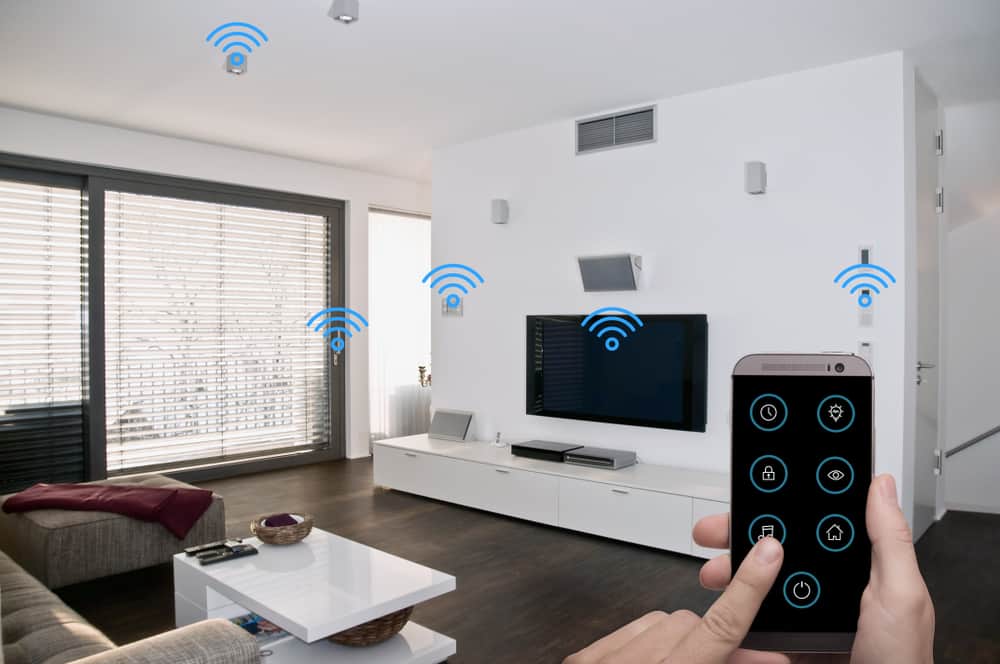
Some property management systems (PMS) and smart home platforms offer integrations that automate the delivery of Wi-Fi credentials. For example, you can set up automated messages through Airbnb, VRBO, or your PMS to send unique network details to each guest before check-in. This reduces manual work and ensures timely communication.
For hosts looking to further automate their rental operations, exploring smart home solutions such as automated lighting and appliances can complement your Wi-Fi automation efforts. Learn more about these technologies in this overview of smart home rental automation.
3. Use QR Codes for Instant Access
Generating a QR code that contains your guest network credentials is a simple yet effective way to provide access. Guests can scan the code with their smartphones to connect instantly, avoiding the hassle of typing long passwords. Many online tools and some routers can generate these codes for you.
- Print the QR code and place it in a welcome booklet or frame within the property.
- Update the code whenever you change the guest network password.
- Combine QR codes with automated messaging for a seamless experience.
Best Practices for Secure and Hassle-Free Wi-Fi Automation
While automating Wi-Fi access for guests brings many advantages, it’s important to follow best practices to maintain security and reliability.
- Separate Networks: Always use a dedicated guest network to isolate visitor traffic from your personal devices and smart home systems.
- Temporary Credentials: Set passwords to expire or change between bookings to prevent unauthorized use.
- Clear Communication: Ensure guests receive instructions on how to connect, whether via automated messages, printed guides, or QR codes.
- Monitor Usage: Some routers allow you to monitor guest network activity, helping you spot unusual behavior or bandwidth issues.
- Compliance: Stay informed about local regulations for short-term rentals, including any requirements for internet access or data privacy. For more guidance, see these short term rental zoning best practices.
Recommended Tools and Services for Automating Guest Wi-Fi
There are several solutions on the market designed to help hosts automate Wi-Fi access for guests. Here are a few options to consider:
- Mesh Wi-Fi Systems: Brands like Google Nest Wi-Fi, Eero, and TP-Link Deco offer guest network features and easy management via mobile apps.
- Cloud-Managed Routers: Devices from Ubiquiti, Cisco Meraki, or Aruba allow remote configuration, scheduled password changes, and integration with property management platforms.
- Third-Party Services: Platforms such as Enplug or WiFi Portal can automate guest access, capture emails, and provide analytics for hosts who want more control and insights.
- Smart Home Hubs: Integrating Wi-Fi automation with your smart home hub can centralize control of all guest amenities, from internet to climate and security.
Frequently Asked Questions
How can I ensure my main network remains secure when providing guest Wi-Fi?
Always set up a separate guest network on your router. This keeps your personal devices and smart home systems isolated from guest traffic. Change guest passwords regularly and avoid sharing your primary network credentials.
What if my router doesn’t support automated guest access?
If your current router lacks advanced guest features, consider upgrading to a model that supports scheduled guest networks or integrates with smart home platforms. Alternatively, you can manually update the guest password between stays and use automated messaging to share new details with each guest.
Are there privacy concerns when automating Wi-Fi for short-term guests?
Automated systems should be configured to avoid collecting unnecessary personal data from guests. Always inform guests about any data collection and comply with local privacy laws. Use reputable hardware and software providers to minimize risks.