

Managing short-term rentals efficiently requires timely communication with guests. As guest expectations rise, hosts and property managers are turning to automation to streamline messaging, improve the guest experience, and reduce manual workload. Learning how to automate notifications for guests can help you deliver important information at the right moments, from booking confirmations to check-out reminders, all while saving time and minimizing errors.
This article explores practical steps, tools, and best practices for setting up automated guest communications in your rental properties. Whether you manage a single vacation home or a portfolio of units, automating notifications can enhance security, boost guest satisfaction, and simplify your operations. For those interested in broader smart home strategies, you might also want to explore home automation and energy efficiency for short-term rentals.
Why Automate Guest Messaging in Your Rental?
Automating guest notifications brings several advantages to property owners and managers:
- Consistency: Automated messages ensure every guest receives the same clear instructions and reminders, reducing confusion and missed information.
- Time Savings: Once set up, automation eliminates the need for repetitive manual messaging, freeing up your schedule for higher-value tasks.
- Improved Guest Experience: Timely notifications—such as check-in instructions or Wi-Fi details—help guests feel welcomed and informed.
- Enhanced Security: Automated alerts can notify both guests and hosts about security events, such as door unlocks or alarms, contributing to a safer stay.
- Reduced Human Error: Automation minimizes the risk of forgetting to send crucial information or sending it at the wrong time.
If you’re interested in managing your property remotely, check out this guide on how to monitor STR remotely for more tips on leveraging technology in rental management.
Key Steps to Set Up Automated Notifications for Guests
Implementing automated messaging involves a few essential steps. Here’s a practical roadmap to help you get started:
1. Choose the Right Automation Platform
The foundation of automated guest notifications is selecting a reliable platform. Many property management systems (PMS) and channel managers offer built-in messaging automation. Popular options include Guesty, Hostaway, and Lodgify. These tools can integrate with booking platforms like Airbnb and Vrbo, allowing you to schedule and customize messages based on reservation details.
For hosts who prefer more control or have unique requirements, consider using third-party automation tools such as Zapier or IFTTT. These services connect various apps and devices, enabling you to trigger notifications based on specific events (e.g., a booking confirmation or a smart lock code change).
2. Identify Key Guest Touchpoints
To maximize the impact of automation, map out the moments when guests need information or reminders. Common touchpoints include:
- Booking confirmation
- Pre-arrival instructions (directions, check-in time, access codes)
- Welcome message on arrival day
- Mid-stay check-ins or reminders (e.g., trash day, local recommendations)
- Check-out instructions and thank-you notes
- Security or emergency alerts
By automating messages at these points, you ensure guests receive timely, relevant information throughout their stay.
3. Craft Clear and Helpful Message Templates
Well-written templates are crucial for effective automated communication. Keep messages concise, friendly, and informative. Personalize where possible using dynamic fields (such as guest name, check-in date, or property address) supported by your automation platform.
For example, a pre-arrival message might include directions, parking instructions, and a unique door code. A check-out reminder could list steps for leaving the property and express appreciation for the guest’s stay.
4. Integrate Smart Devices for Real-Time Alerts
Beyond scheduled messages, smart home devices can trigger real-time notifications for both guests and hosts. For instance, smart locks can send automated codes and alerts when doors are unlocked. Smart thermostats and sensors can notify guests about temperature changes or maintenance needs.
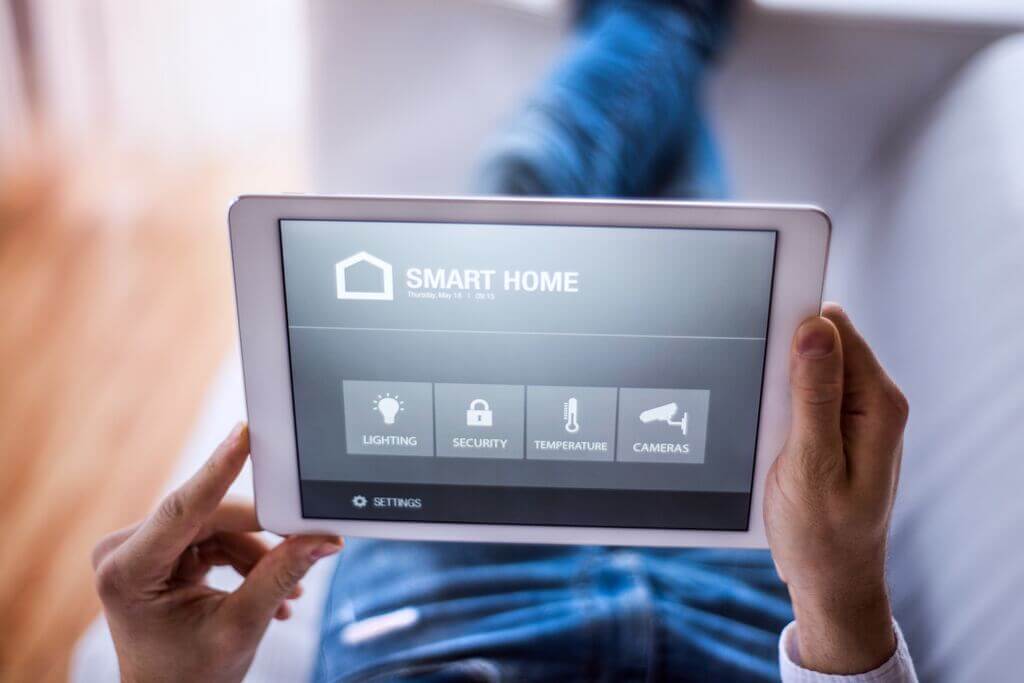
If you want to learn more about controlling appliances and devices from afar, see this resource on how to control appliances remotely in rental properties.
5. Test and Monitor Your Automation System
Before relying fully on automation, test your workflows to ensure messages are sent at the correct times and contain accurate information. Monitor guest feedback and system logs to catch any issues early. Regularly update your templates and triggers as your property or guest needs evolve.
Best Practices for Seamless Guest Communication
To get the most out of automated guest notifications, keep these best practices in mind:
- Personalize Where Possible: Use guest names and reservation details to make messages feel tailored, not generic.
- Stay Compliant: Ensure your messages comply with privacy laws and platform policies regarding guest data and communication.
- Provide Contact Options: Always include a way for guests to reach you or your team in case they need help beyond automated responses.
- Keep It Simple: Avoid overwhelming guests with too many notifications. Focus on delivering the right information at the right time.
- Review and Refine: Gather feedback from guests about your communication and adjust your automation strategy as needed.
Integrating Automation with Smart Home Technology
Combining messaging automation with smart home devices can further enhance the guest experience and property security. For example, integrating smart locks allows you to send unique access codes and arrival instructions just before check-in. Smart thermostats can trigger welcome messages when guests adjust the temperature for the first time.

To further optimize your property’s energy use and comfort, you can review this detailed guide on how to schedule thermostat for STR units.
For a deeper dive into how smart home systems work and their benefits, see this comprehensive explanation of home automation.
FAQ: Automating Notifications for Rental Guests
What types of notifications should be automated for guests?
The most effective automated notifications include booking confirmations, pre-arrival instructions, check-in and check-out reminders, security alerts, and post-stay thank-you messages. You can also automate mid-stay updates, such as reminders about amenities or local recommendations.
Can automation handle last-minute bookings or changes?
Yes, most modern automation platforms can adapt to reservation changes in real time. Automated workflows can send updated instructions or codes as soon as a booking is confirmed or modified, ensuring guests always receive accurate information.
Is it possible to customize automated messages for different properties?
Absolutely. Most property management and automation tools allow you to create property-specific templates, so each guest receives relevant details for their particular rental. You can personalize messages with property names, addresses, and unique access instructions.
How do I ensure guests still feel cared for with automated messaging?
Personalization is key. Use guest names, reference their reservation details, and include a contact option for human support. Automated messages should feel helpful and welcoming, not robotic or generic.
Conclusion
Setting up automated notifications for guests is a practical way to streamline communication, enhance security, and improve the overall experience in your rental properties. By choosing the right tools, identifying key guest touchpoints, and integrating smart devices, you can ensure guests receive timely, relevant information while reducing your workload. Regularly review and refine your automation strategy to keep up with changing guest needs and technology advancements.